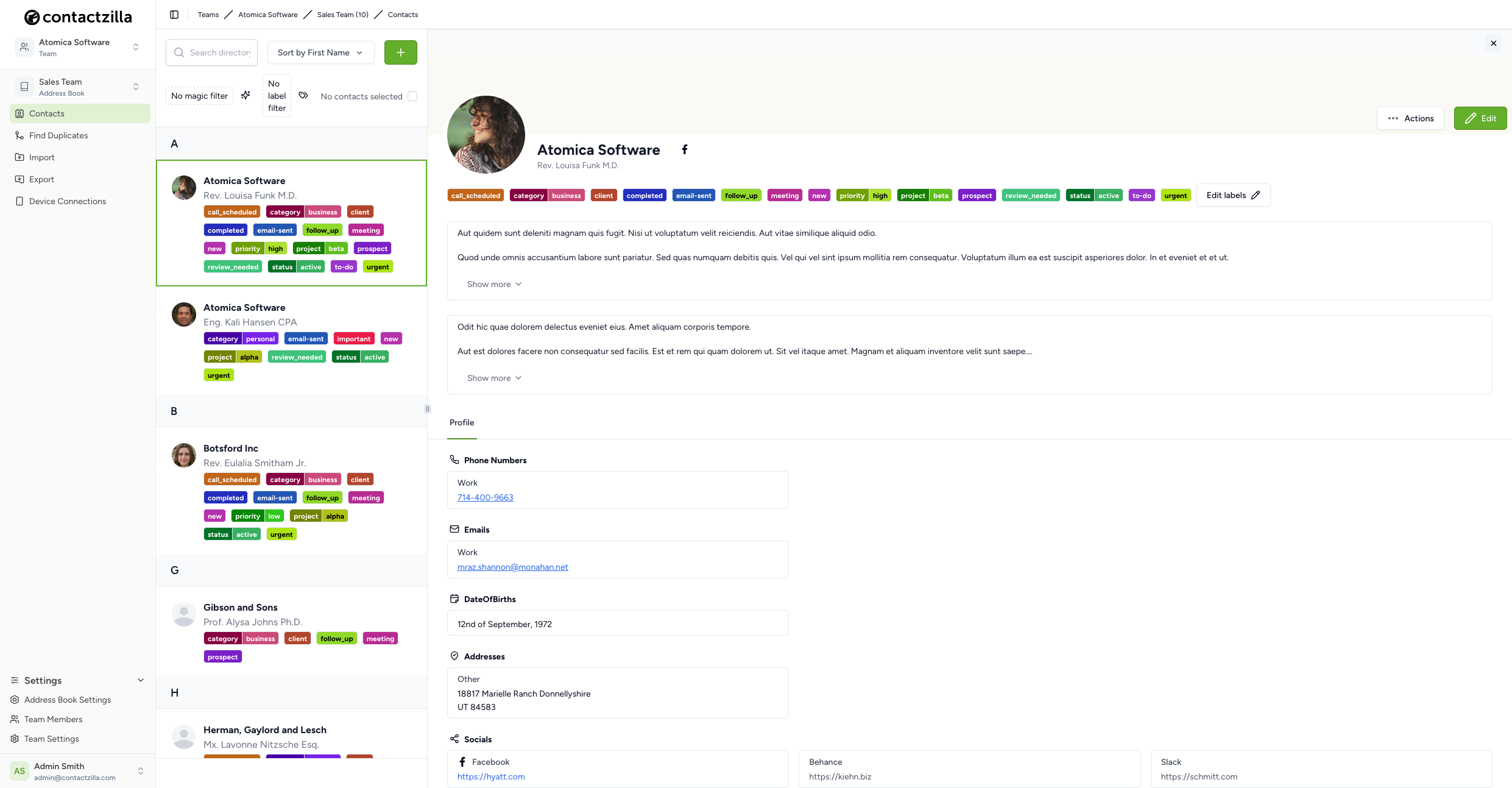
Contactzilla is a cloud-based centralised contact management platform built specifically for teams and organizations. Instead of operating as a full-scale, complex Customer Relationship Management (CRM) system, its primary purpose is to serve as a streamlined, “no-nonsense” address book that keeps everyone’s phone and web contacts perfectly synchronized in real-time.
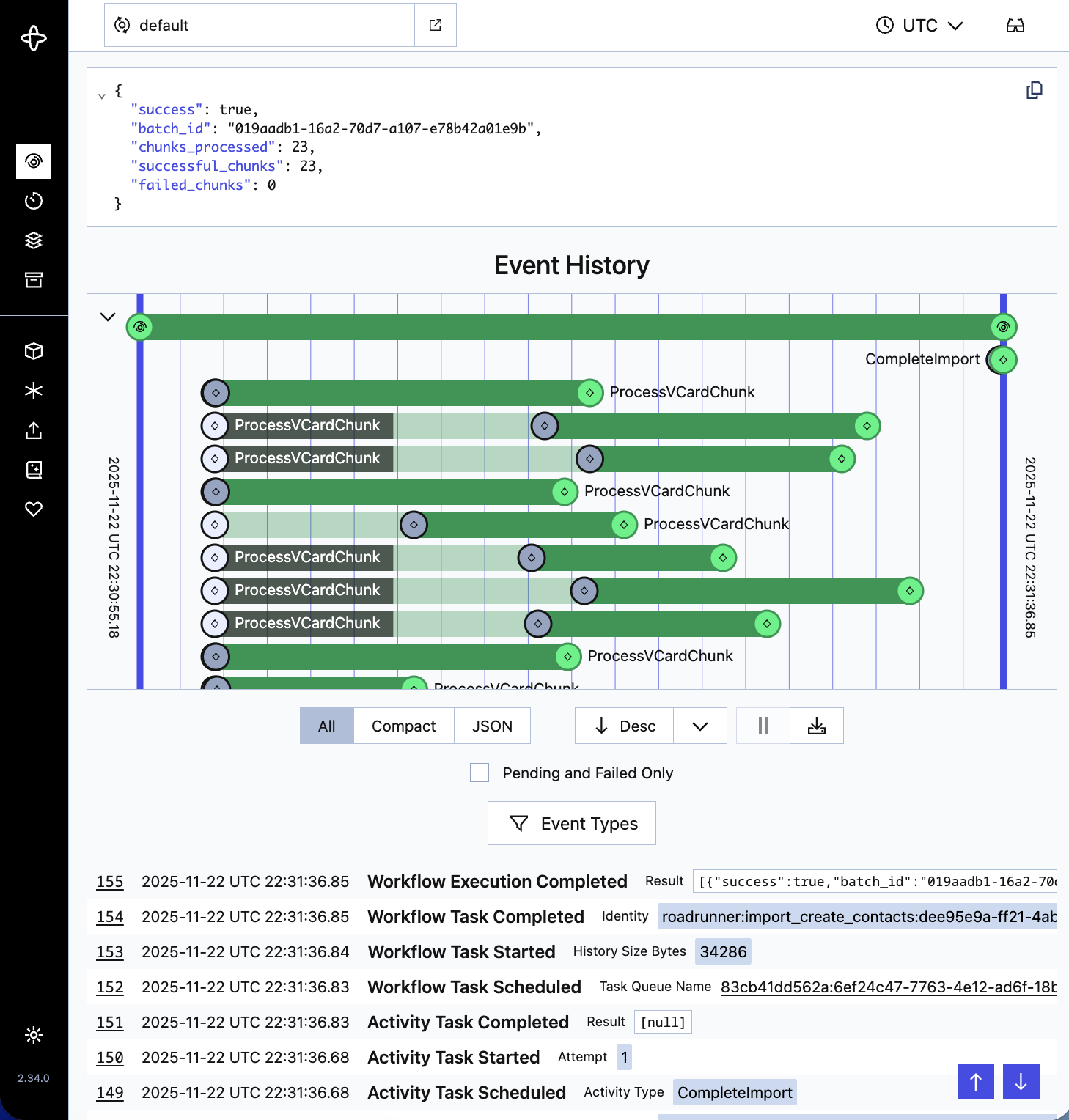
Worked as a senior deveoper from inception alongside the CTO and founder to build a large-scale contact management system with PHP/Laravel, TypeScript, React and Temporal.
Built custom components from scratch integrating a broader design system. Managed state across the application using Context API, MobX stores, and Inertia for server-driven component updates.
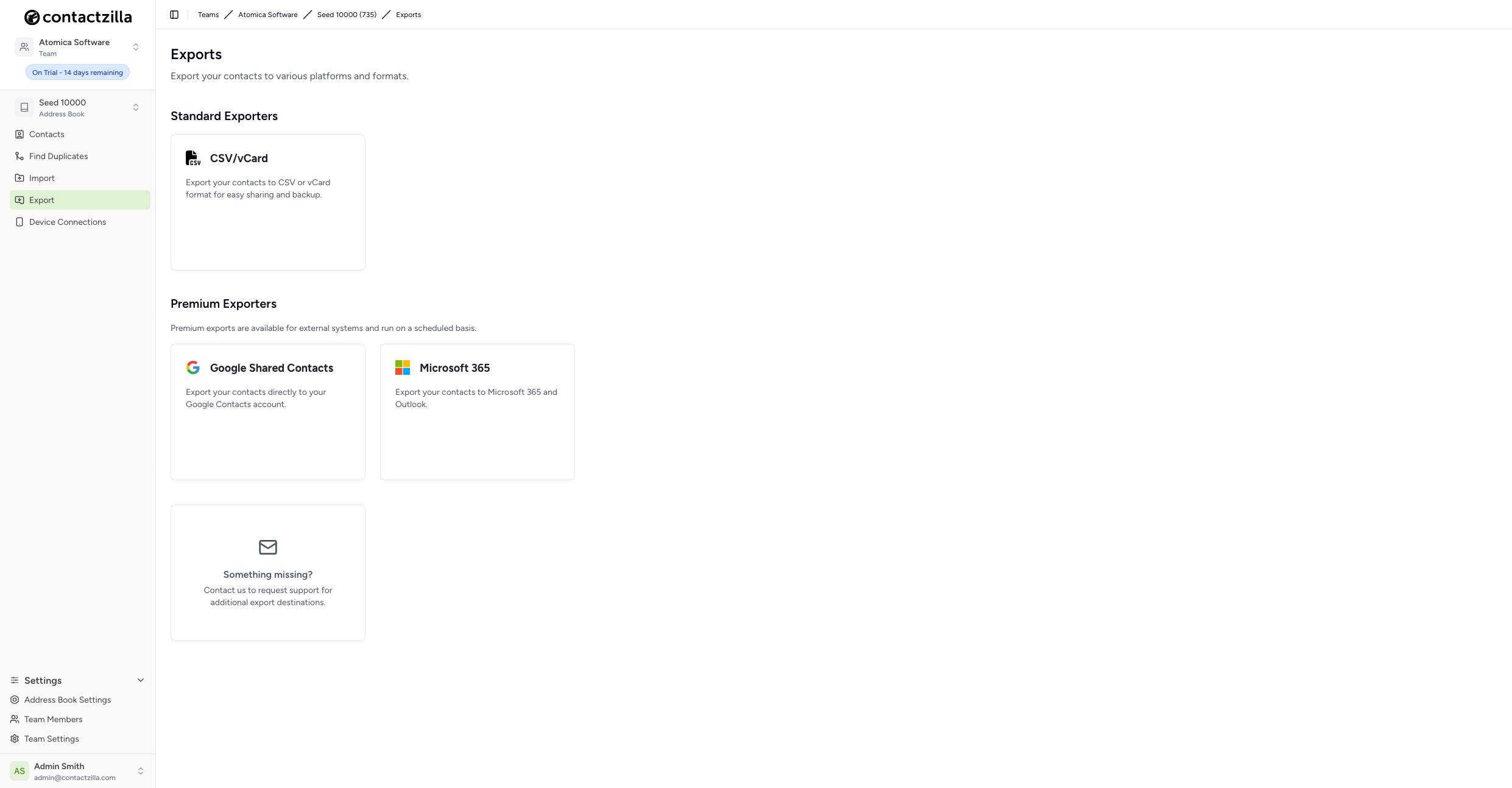
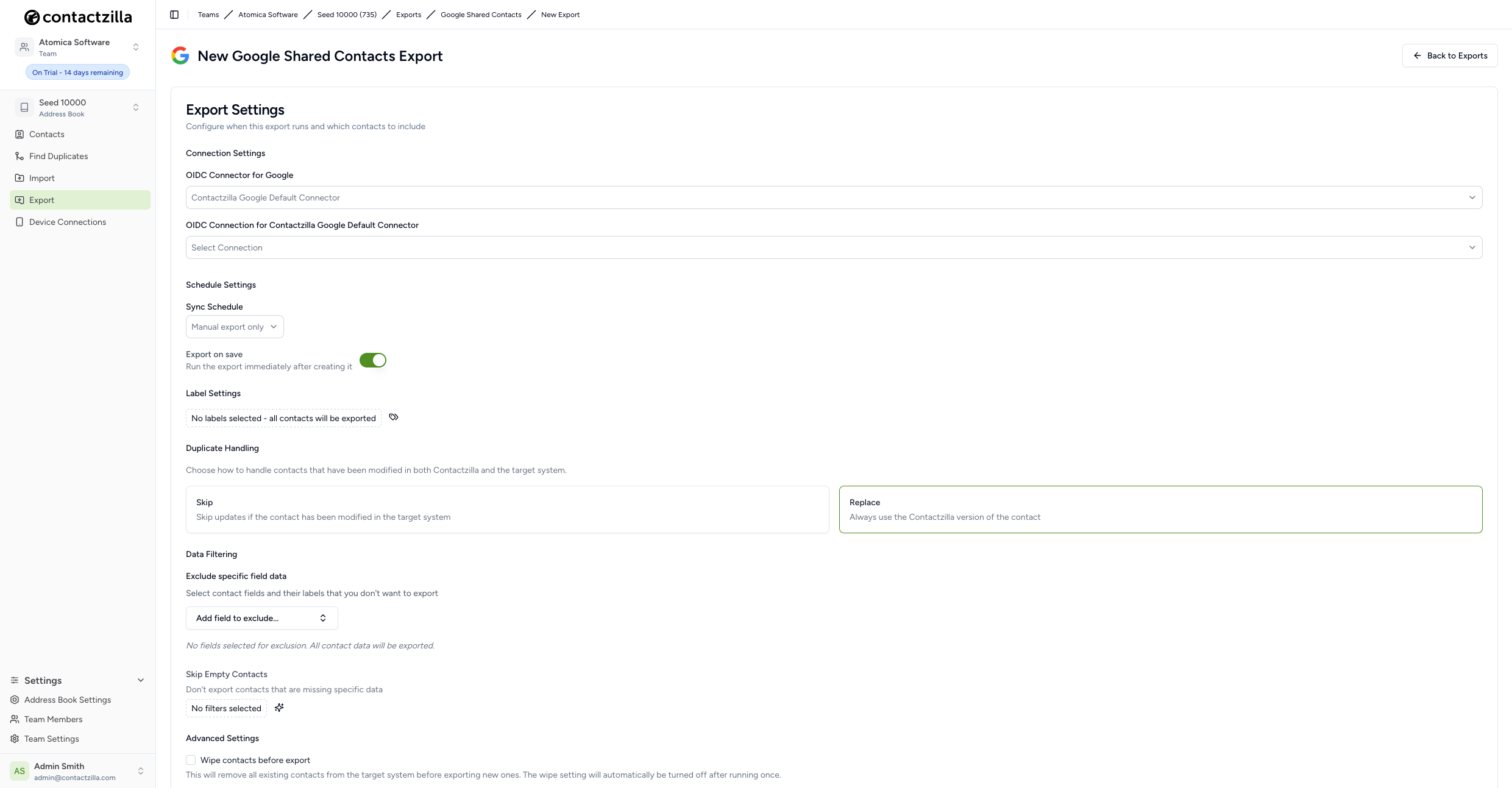
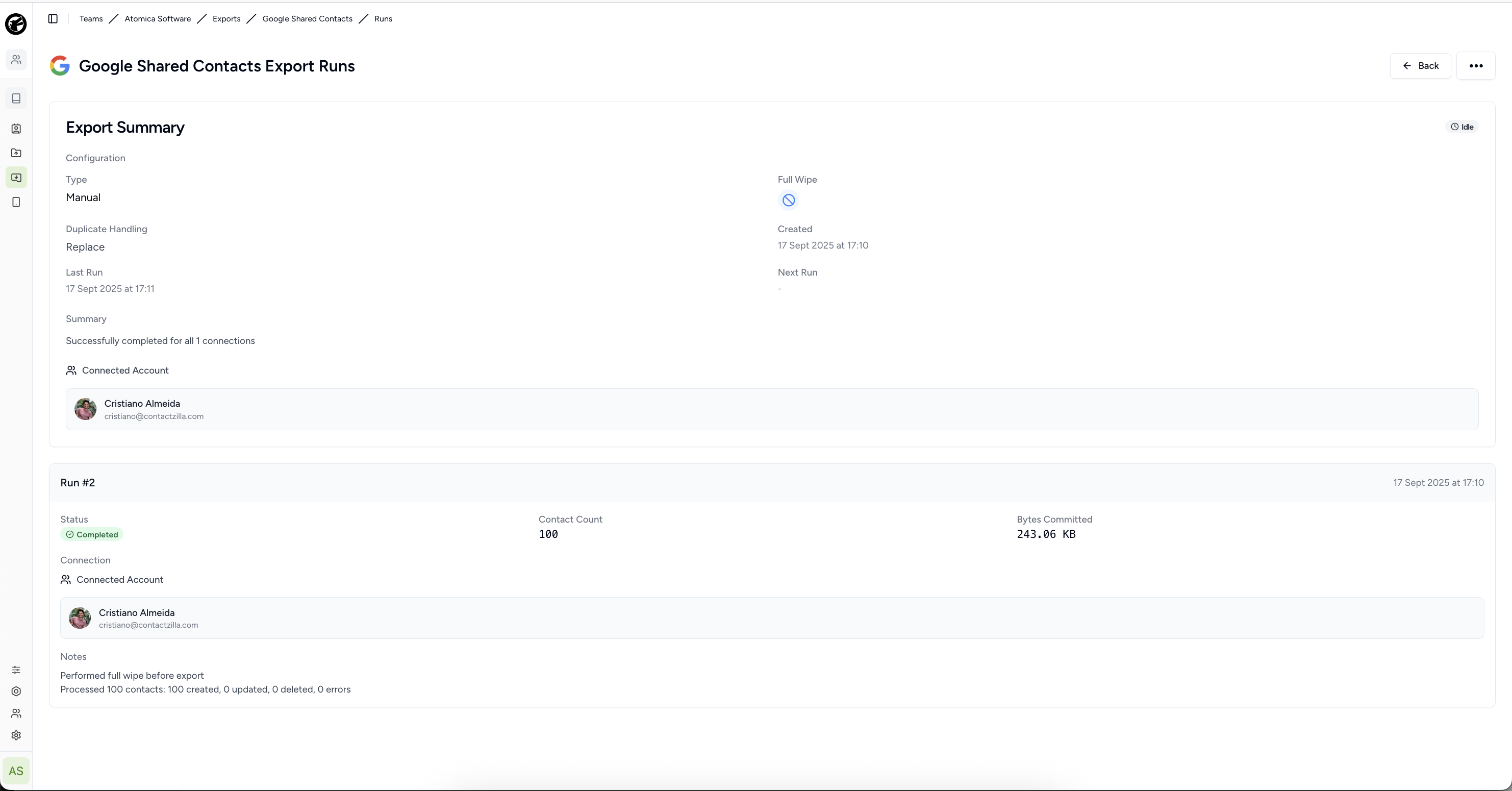
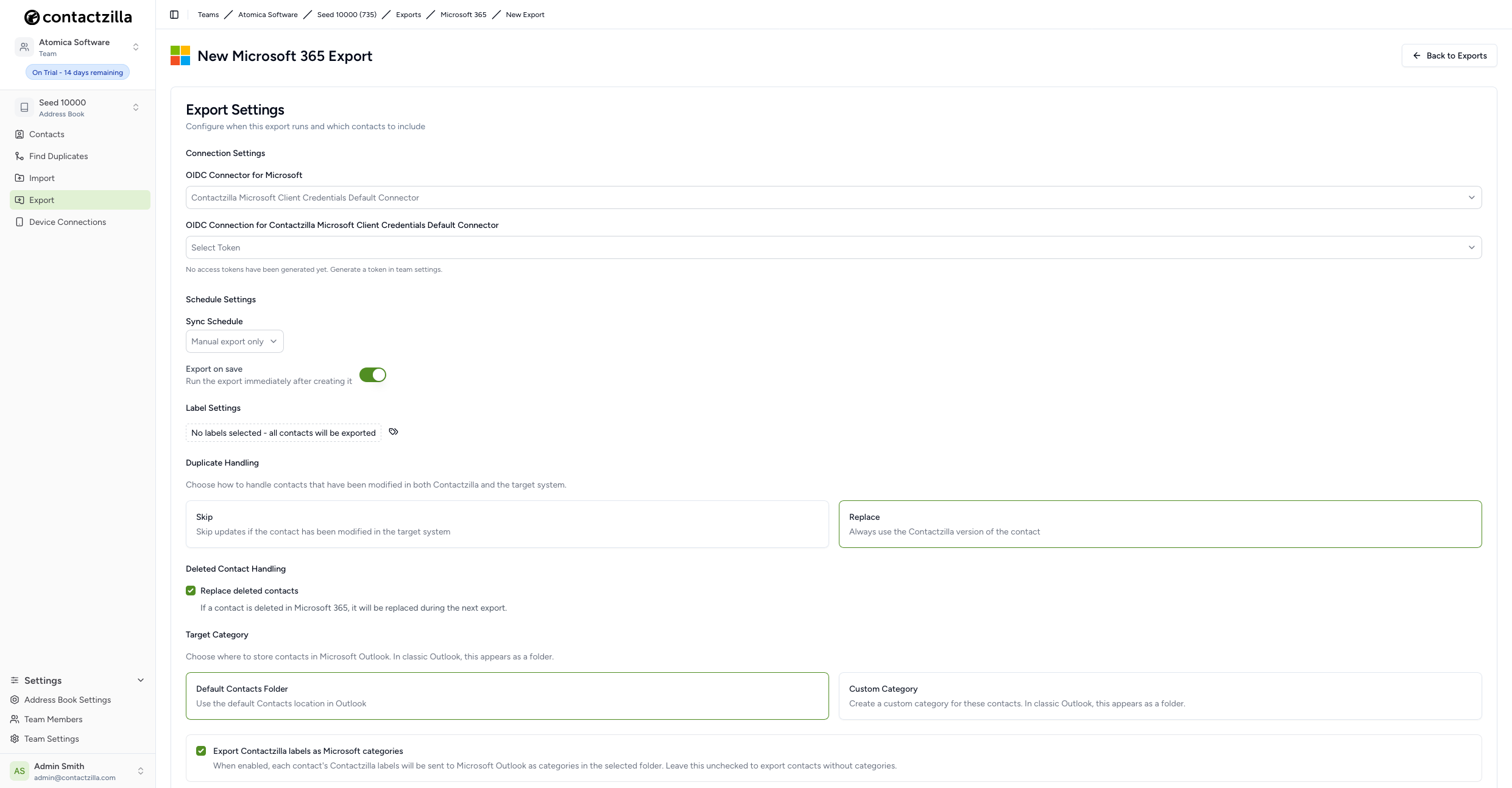
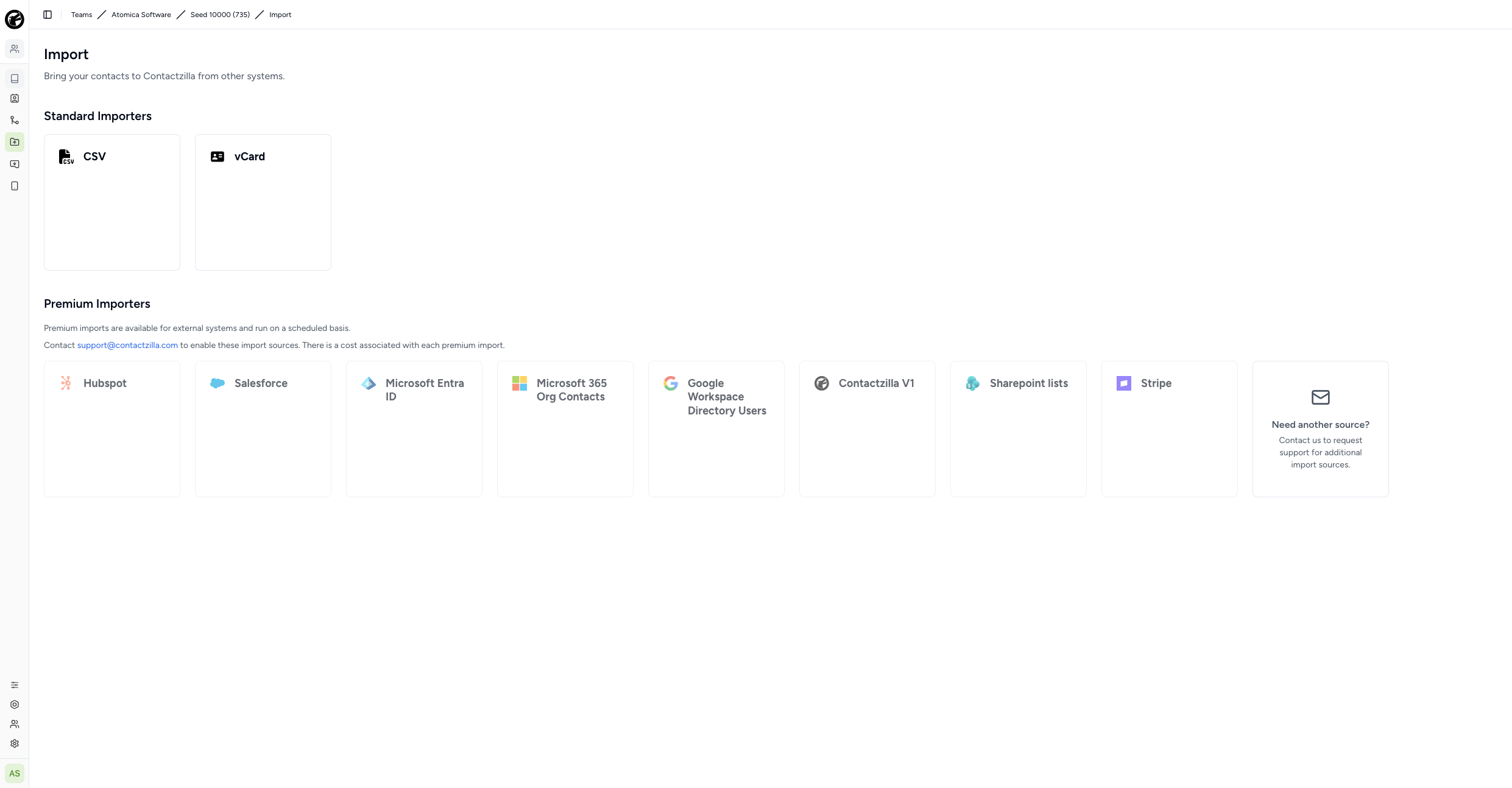
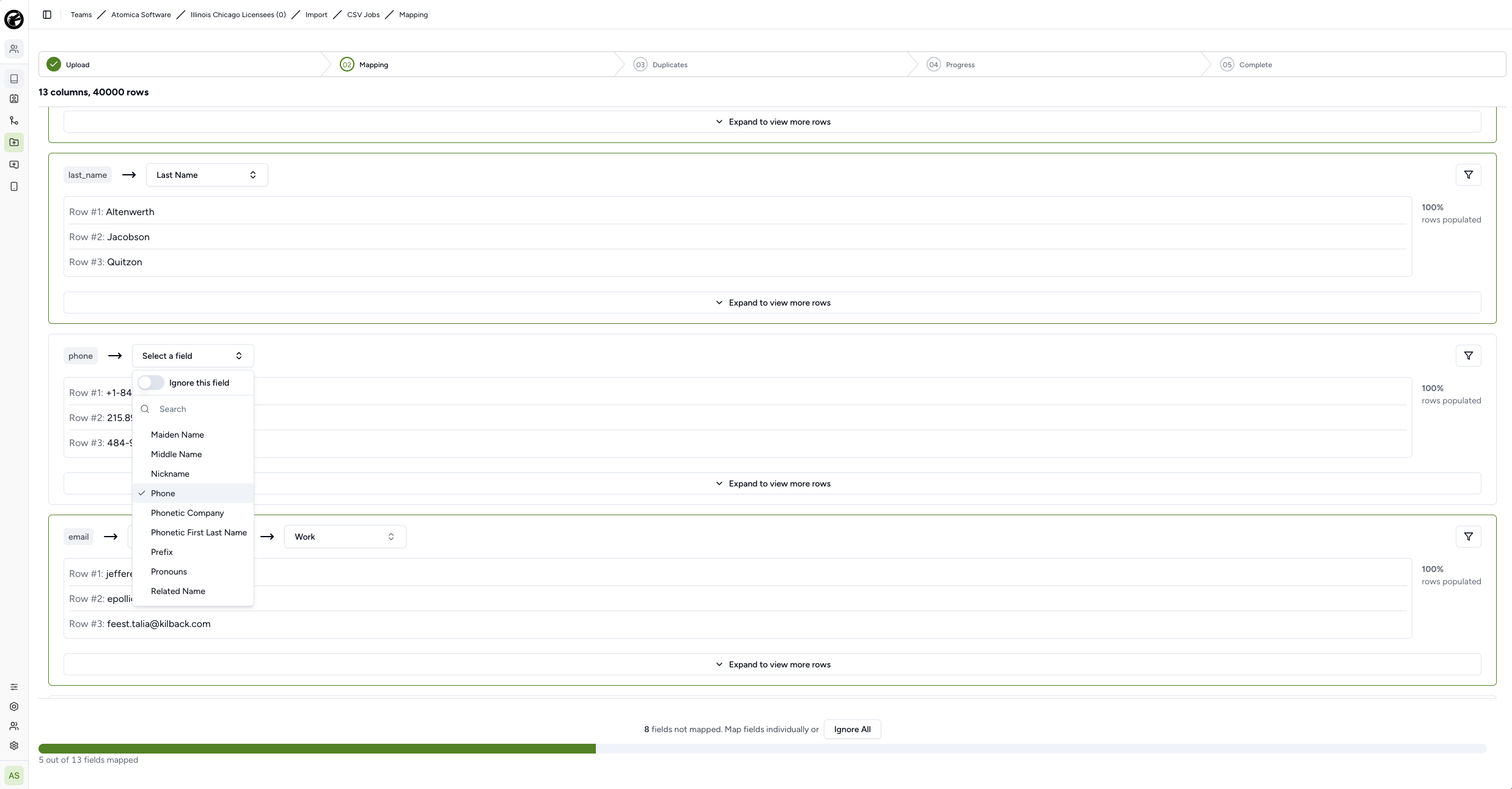
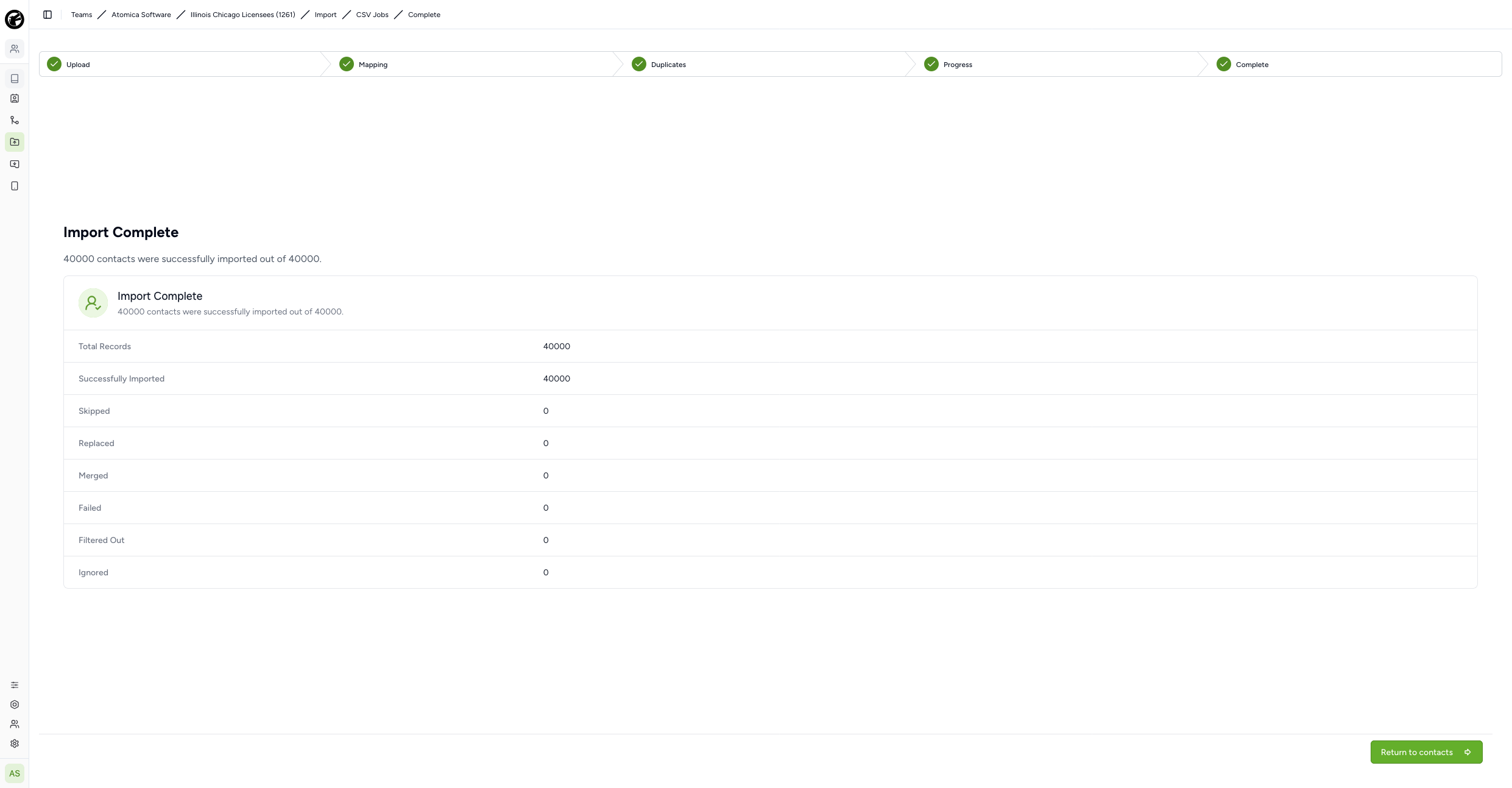
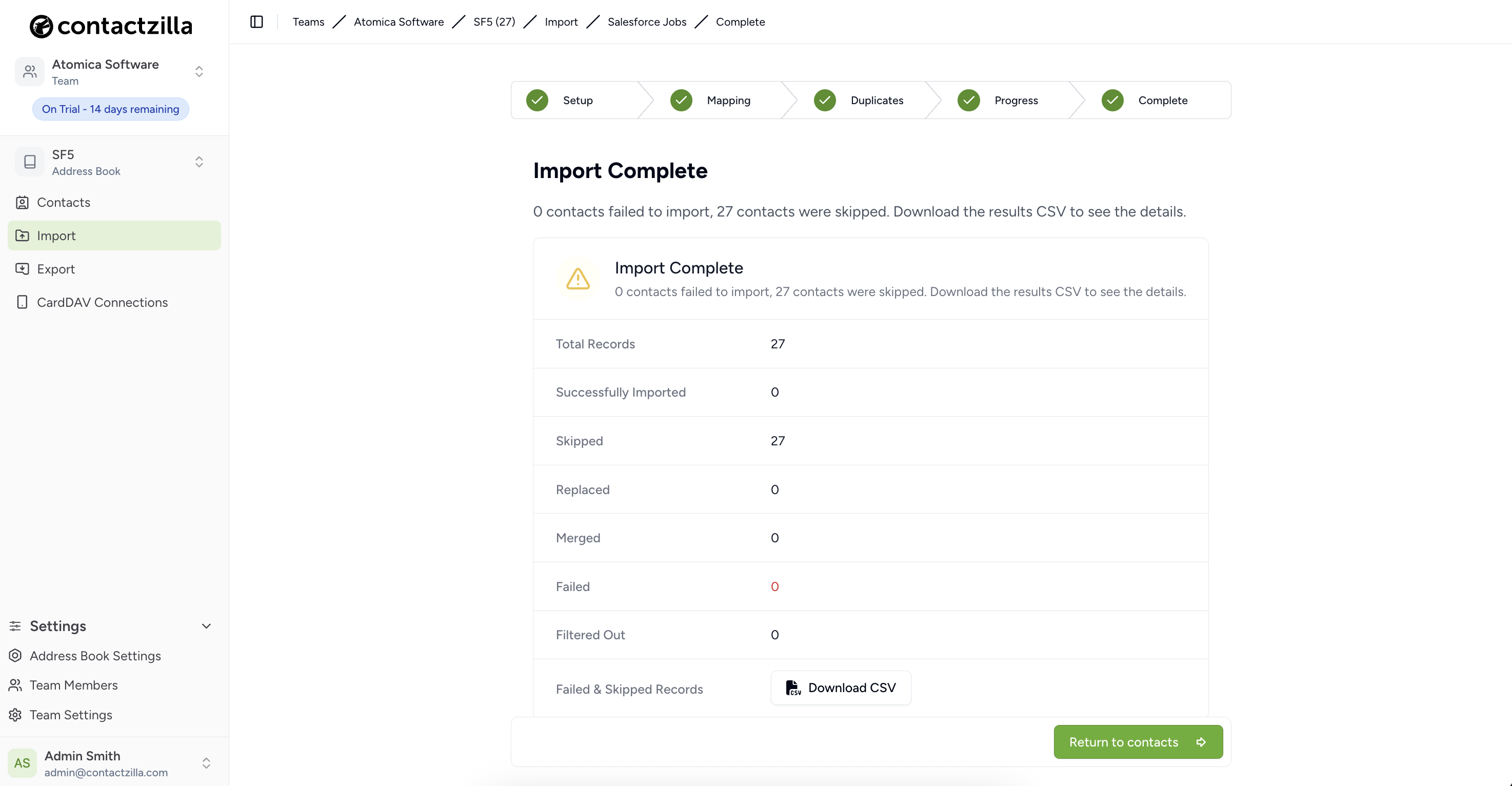
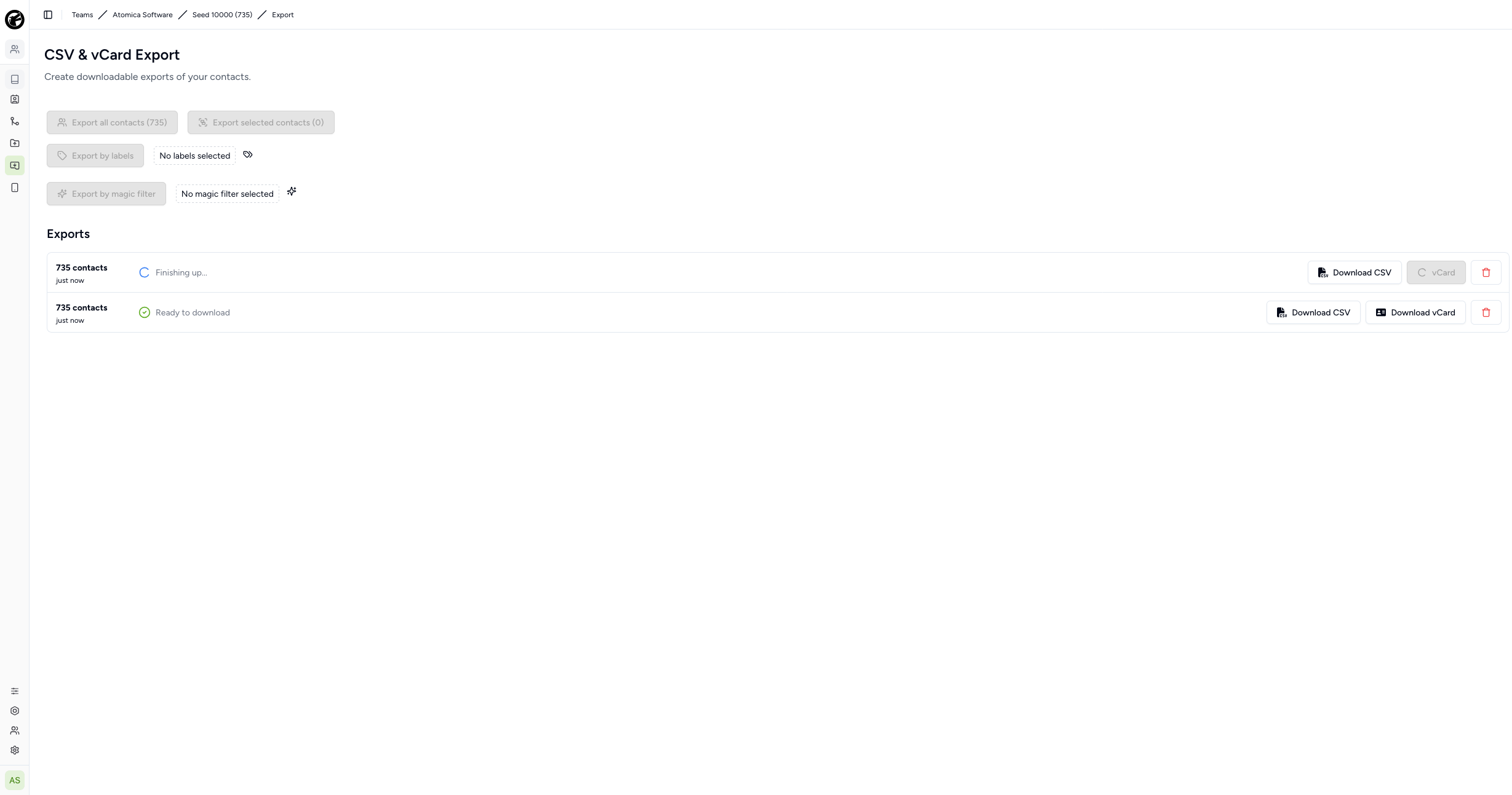
Features complex import/export systems, multi-platform sync integrations, and propagation of large datasets to iOS, Android and other devices.
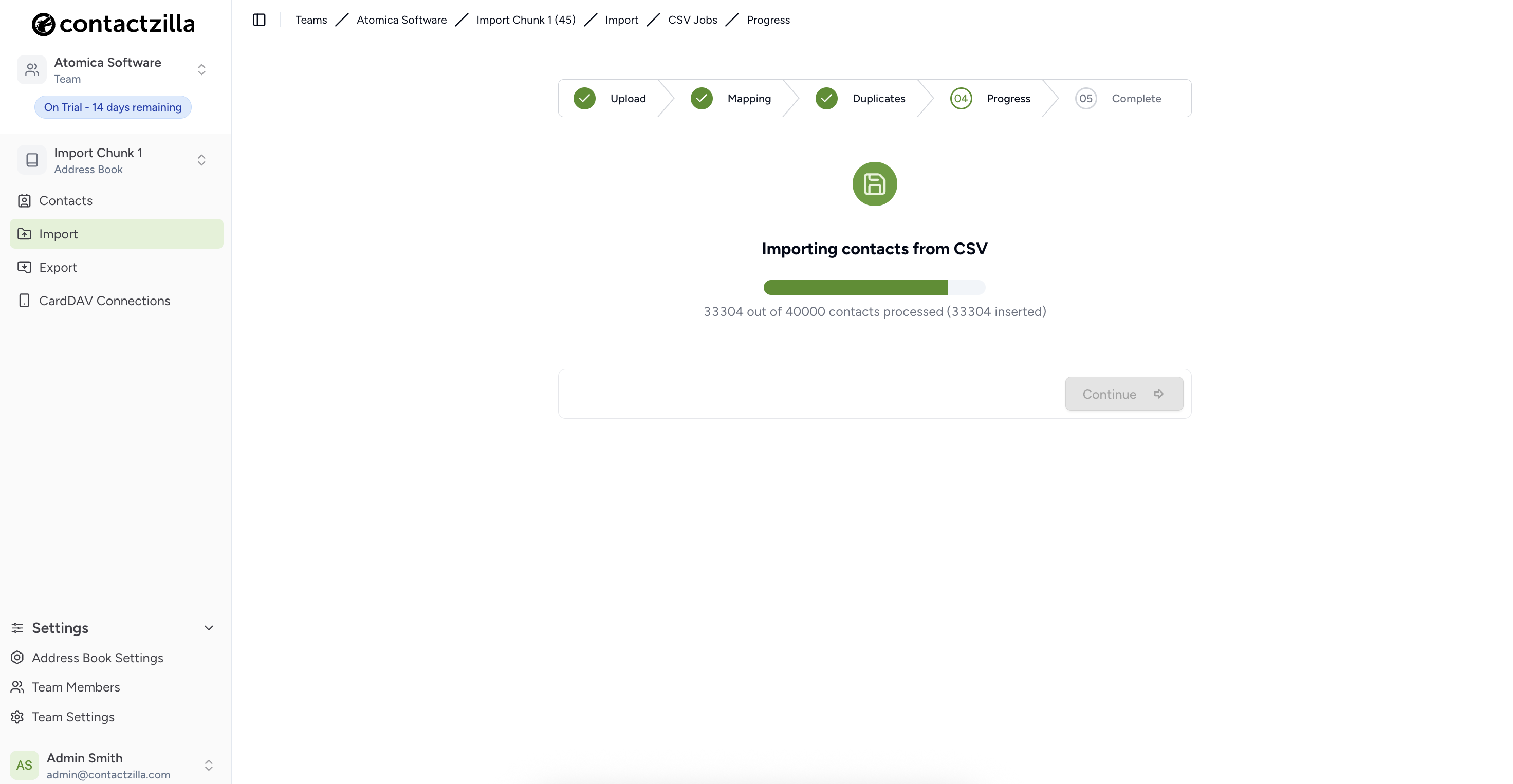
Built queued jobs with batched data processing for handling large datasets efficiently.
Core Purposes and Use Cases
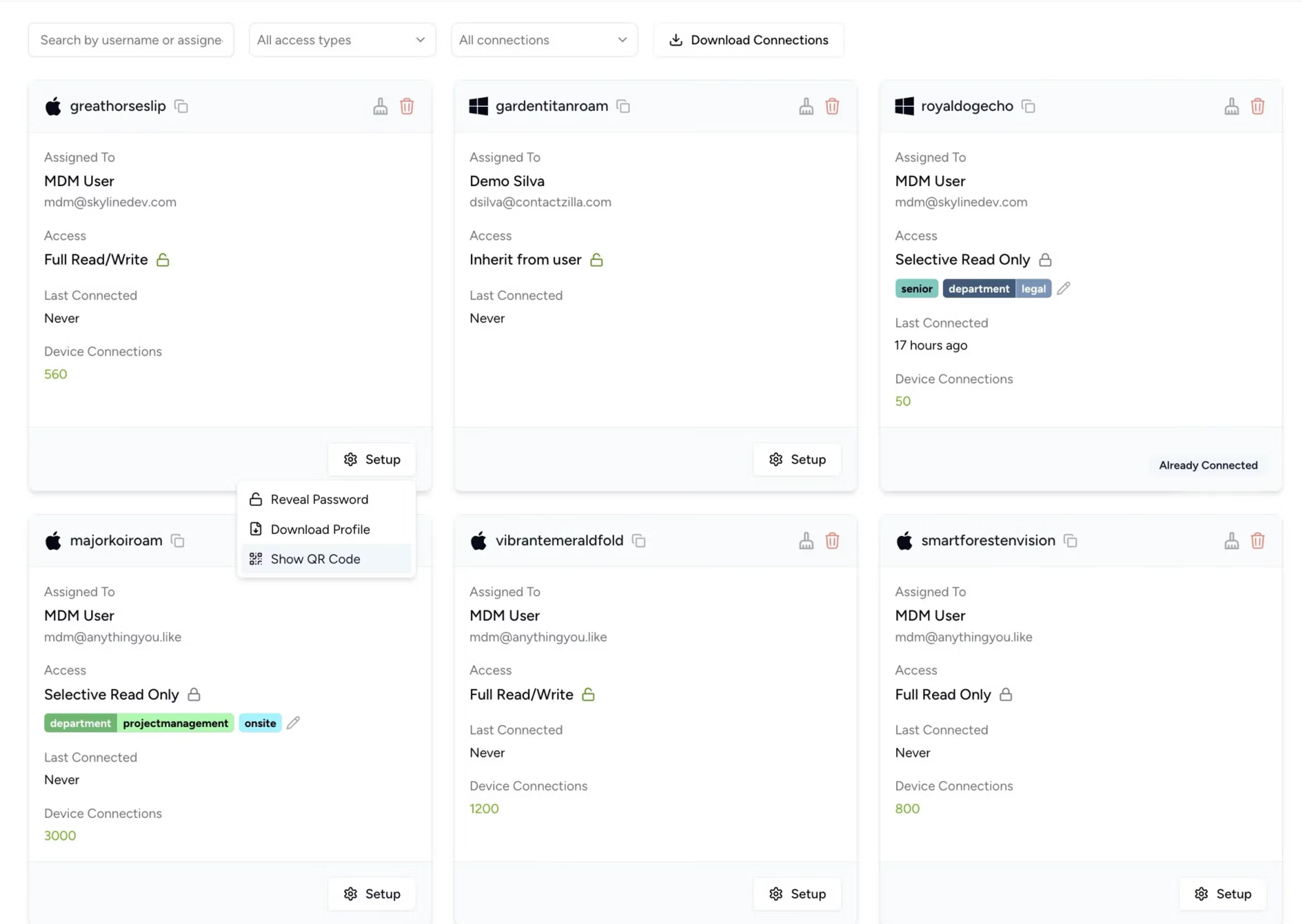
- Mobile Device Management (MDM) & Device Provisioning: Contactzilla generates secure provisioning profiles. IT administrators can push specific team address books instantly to hundreds of employee iPhones or Android devices via MDM software.
- Real-Time Global Synchronization: When a central administrator updates or cleans a client’s details on the dashboard, that change instantly syncs out to the native contact applications on every employee’s phone.
- Granular Access Control & Security: It provides read-only and role-based permissions. This allows companies to sync selective lists (e.g., only giving the emergency response team or field workers access to specific contact sets) without exposing the entire company directory.
- Data Deduplication & Organization: It features built-in tools to merge duplicate data, apply custom labels, and categorize massive lists into easily searchable tags that carry over into custom phone contact lists.